
The quickest way to plan a chatbot for your website is to look at one that already does the job you need. This post walks through ten chatbot examples from different kinds of businesses, with the actual messages each one sends and the questions it asks, and explains why each conversation is built the way it is.
Every example here is a template in Alma's library, and each one links to a page that shows the full conversation step by step. You can copy the structure for any chatbot tool. If you want the wider picture first, from planning the conversation to putting it on your site, start with the guide to building one yourself.
What the best chatbot examples have in common
The examples below cover very different businesses, but the conversations that work share a few habits.
- One job per chatbot. Each one is built to book a table, qualify a buyer or take a service request, not to do everything at once.
- Buttons wherever the answers are predictable. Party size, budget range and type of service are all buttons. Typing is saved for things only the visitor knows, such as a name, an address or a description of the problem.
- Contact details after the visitor has a reason to give them. Most of these chatbots ask what the visitor needs before asking who they are.
- A clear next step. The last message says what happens now: someone will call, an estimate is on its way, or the booking link is below.
Most of these are scripted chatbots, meaning they follow a conversation you set up in advance. A scripted flow handles the main paths the same way every time. For the questions it was not built for, you can add AI answering, which replies from business information you write. Both kinds can run in the same chatbot.
Ten chatbot examples by industry
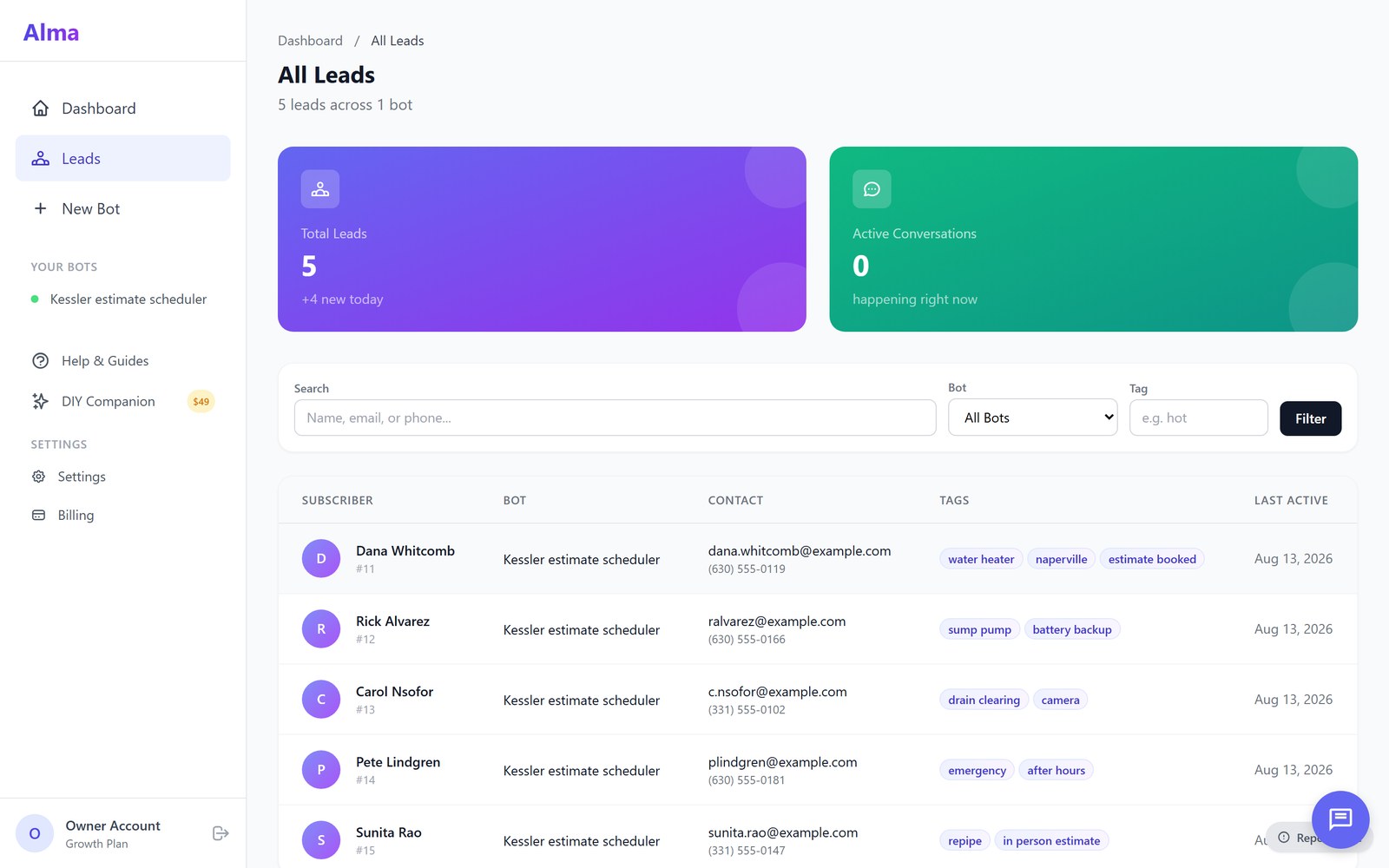
1. Lead capture for paid ads
Someone who clicked an ad already knows roughly what you offer, so this chatbot gets to the point. It thanks the visitor for their interest, states the offer, and asks "Interested in learning more?" with three buttons: "Yes!", "Just browsing" and "Questions first". A visitor who says yes is asked for a name, an email address and a phone number, then "When are you looking to get started?" with "ASAP", "Within 30 days" and "Just researching".
That last question sorts the leads for you. The answer is saved as a tag, so the people who said "ASAP" can be called first. See the full Paid Ad Lead Capture template.
2. Real estate: qualifying a home buyer
A real estate agent needs to know a buyer's area, budget and timeline before a first call. This chatbot asks what area the buyer is looking in, then uses buttons for property type, bedrooms, price range ("Under $300K" up to "Over $1M"), whether they are pre-approved for a mortgage, and their timeline, from within 30 days to "Just starting to look".
The pre-approval question does a lot of work. A buyer who answers "No, I need lender recommendations" is a different conversation from one paying cash, and the agent knows which one before picking up the phone. See the full Buyer Lead Qualification template.
3. Home services: a cleaning estimate
A cleaning company prices a job on a few facts, so the chatbot collects exactly those with buttons: the type of cleaning (one-time deep clean, recurring service, move in or out, post-construction), how often, the number of bedrooms and bathrooms, and whether there are pets. Then it asks for a name and phone number "to send you an estimate".
The closing message sets an honest expectation: "Final price is confirmed after a walkthrough." See the full Cleaning Service template.
4. Home services: an emergency request
An emergency chatbot has a different goal: get the right information fast and keep the visitor safe. It opens with "We understand this is urgent" and asks what the emergency is, with buttons such as "No Water", "Water Leak/Flooding" and "Gas Smell (call 911 first!)". For a gas smell, it shows safety steps before anything else, starting with not turning on lights and leaving the building.
Only then does it ask for a phone number and address, and it gives the business's emergency number in case the callback is slow. See the full Emergency Service template.
5. Restaurants: booking a table
A reservation chatbot asks the same questions a host would: the date, the time ("5:00 PM" to "8:00 PM", or another time), how many guests, the name for the reservation and a phone number. Party size is a button, so nobody types "four-ish".
It is a good example of a short conversation: a handful of questions, an optional special request, then a summary of the booking with the date, time and party size. See the full Table Reservation template.
6. Dental practices: booking and urgent problems
A dental office gets very different visitors, so this chatbot starts with a menu: "Schedule Cleaning/Exam", "Dental Emergency", "Cosmetic Consultation", "New Patient Info" and "Insurance & Payment". A visitor booking a cleaning is asked when they last had one and what time of day suits them.
A visitor with an emergency is asked what is happening, from a toothache to a knocked-out tooth, and told to call the office right away. For a knocked-out tooth, it gives first-aid steps first. Each path is short because each visitor needs something different. See the full Dental Office template.
7. Salons and spas: booking a service
This chatbot asks which service the visitor wants (hair, nails, facials and skincare, massage, or waxing) and whether they have a preferred stylist or therapist. If they do, it asks who. Then it takes a name and phone number, saves the visitor as a booking request, and shares the online booking link and the cancellation policy.
The stylist question matters to regular clients, and offering "First Available" keeps it from slowing down new ones. See the full Spa and Salon Booking template.
8. Political campaigns: volunteer sign-up
A campaign's volunteer chatbot opens with the candidate and the election date, then collects a name, email, phone number and ZIP code. It explains why it wants each one: the phone number is "only" for volunteer opportunities, and the ZIP code "helps us connect you with local events". Then it asks how the volunteer wants to help (phone calls, door knocking, events or social media) and how many hours a week they can give.
Saying why you want a piece of information is one of the simplest ways to get it. See the full Volunteer Signup template.
9. Law firms: screening a new case
A legal intake chatbot asks what type of matter the visitor needs help with, such as personal injury, family law or criminal defense, and then asks follow-up questions for that type. For an injury case, it asks when the incident happened and whether the visitor has received medical treatment, and it notes that there are time limits for filing claims.
The firm gets a screened lead with the facts an attorney asks first. See the full Legal Intake and Case Screening template.
10. Insurance agencies: a quote request
An insurance chatbot asks three questions with buttons: what type of insurance the visitor needs (auto, home or renters, life, business, or a bundle), whether they have coverage now, and when they need it. The answer to the last question tags the lead as hot, warm or cold. Then it asks for a name, ZIP code and phone number.
Putting the timing question before the contact questions means even a visitor who stops early has told the agent how soon they need coverage. See the full Insurance Quote Qualifier template.
How to adapt an example for your business
Pick the example closest to the job you need done, then change it until it sounds like you.
- Keep the structure, rewrite the words. The order of the questions is the useful part. The wording should sound like your business.
- Cut every question you would not use. If nobody on your team looks at the answer, the visitor should not have to give it.
- Match the buttons to your real options. List the services you actually offer, the times you actually have and the price ranges your customers actually fall into.
- Write the last message carefully. Say exactly what happens next and when, and give a phone number for anyone who cannot wait.
- Test it on a phone. Most visitors will see it on a small screen, so read every message there before it goes live.
When the chatbot is ready, adding it to your site is the last step. Our post on how to add an AI chatbot to your website covers the installation, and the one on chatbot personality and tone helps with the wording.
Common questions
What is a chatbot example?
A chatbot example is a finished conversation you can study or copy: the messages the chatbot sends, the questions it asks and the choices it offers. Looking at a few examples is the fastest way to decide what your own chatbot should ask.
What are the main types of chatbots?
For a business website there are two main types. A scripted chatbot follows a conversation you set up in advance, with buttons and questions. An AI chatbot reads the visitor's question and answers in its own words from information you gave it. Many businesses use both: a script for the main tasks and AI answering for everything else.
Can I use these examples for free?
Every example here is a template in Alma, and you can use any of them during the 14-day free trial. The structure works in any chatbot tool, so you can also copy it by hand.
How long does it take to set one up?
Each template page shows an estimated setup time, usually 5 to 10 minutes to fill in your details. Most owners have a working chatbot on their site in under 30 minutes, including time to change the wording.
Browse the full library

These ten are a small part of the library. See every chatbot template, grouped by industry, and open any one to read its full conversation.