An AI receptionist for small business is software that handles the first part of a customer conversation for you. It greets the person, answers common questions, takes down their details and, in many cases, books an appointment. The term covers two different kinds of product, so check which kind you are looking at before you compare prices.
The first kind answers your business phone with a computer-generated voice. The second kind works in a chat window on your website, where it greets visitors, answers their questions, collects their details and books appointments. Alma is the second kind. It is a website chat assistant, and it does not answer phone calls. If your main goal is turning website visitors into customers, our guide to chatbot lead capture covers that subject in more depth.
Two kinds of AI receptionist
Phone answering
A phone AI receptionist picks up calls to your business number and speaks with the caller using a computer-generated voice. Depending on the product, it may take a message, answer basic questions, forward the call to a staff member or book an appointment. Features and pricing differ by provider, so ask for a test call and a written description of what happens when the system cannot help a caller. This kind suits businesses where most new customers call first.
Website chat

A website AI receptionist appears as a small chat window, often called a widget, in the corner of your website. When a visitor opens it, the chat greets them, offers a few choices and answers common questions, such as your hours, your service area or whether you accept their insurance. It then asks for the visitor's name, phone number and what they need, and either books an appointment or sends those details to you.
This kind suits businesses where people read your website before they get in touch, including visitors who arrive in the evening or on a weekend when no one can answer the phone.
How to decide which one you need
Start with how customers reach you today rather than with the product.
- Where do new customers contact you first? Look at the last month. If most called, consider phone answering. If most visited your website first, start with website chat.
- Which calls or messages do you miss? Missed calls during jobs point toward phone answering. Visitors who leave your website without contacting you point toward website chat.
- What do people ask most often? Write down the ten questions you answer every week. If most are simple, such as hours, location or availability, either kind can handle them. If most require judgment, a person should answer them.
- Do you want appointments booked, or only details collected? Some businesses want the customer to choose a time right away. Others prefer to call back once they understand the job.
Some businesses use both, with a phone product for callers and a website chat for visitors who prefer to type.
What a website receptionist does in Alma
You build each Alma conversation as a flow, which is a series of questions, buttons and answers that you write. Alma follows that flow with every visitor. Most owners start from one of Alma's 145 templates, which are ready-made flows in 15 categories, and change the wording to fit their business. An Alma chat can do the following:
- Greet visitors and offer choices. The chat opens with your welcome message and a short list of options, such as booking, pricing or an urgent problem.
- Answer common questions. By default, the bot uses only the answers you wrote, so it does not improvise. An optional paid AI answering add-on can respond to typed questions, using only the business information you paste in.
- Collect lead details. The chat asks for the visitor's name, phone number, email address and what they need, and saves the answers as a lead record. A lead is a person who may become a customer. Our post on how website chatbots capture more leads covers what to ask.
- Book appointments in the conversation. With a calendar set up in Alma, the Appointment Scheduler template shows open dates and times, books the visit, and emails the visitor a confirmation and reminders. Bookings can also be added to a connected Google or Outlook calendar. Our post on chatbots for appointment booking covers this in more detail.
- Tell you about each lead. Alma sends you an email notification on every plan. Growth and higher plans can also send leads to Zapier, a service that passes information between apps. Agency and higher plans add webhooks, which are automatic messages sent to another system you control.
Adding Alma to your website takes one line of code, which you copy from your dashboard and paste into your site. It works on WordPress, Squarespace, Wix, Shopify and hand-built websites.
Examples by industry
Where a lead goes after the chat
- A visitor opens the chatThe widget appears on every page where you pasted the snippet.
- The bot asks your questionsOne at a time, with buttons for the common answers.
- Alma saves the leadIn your Leads inbox, with tags from the visitor's answers.
- You get an emailAs soon as the visitor leaves an email address or phone number.
Where else the lead can go
- Every plan
- Email notification
- Growth and up
- Zapier, and CoreCNX once your account is linked
- Agency and up
- Webhooks to your own systems
These examples use real Alma templates, each a starting point that you edit. You can also browse chatbots built for your industry.
A dental office
The Dental Office Bot offers five choices: a cleaning or exam, a dental emergency, a cosmetic consultation, new patient information, and insurance and payment. For a cleaning, it asks when the patient last had one and what time of day suits them, then takes their name and phone number for the front desk.
The emergency path gives basic first steps for problems such as a knocked-out tooth, then asks the patient to call the office's emergency number, because an urgent problem needs a person on the phone. Keep the chat to scheduling details, and leave medical history to your office's own forms. The Insurance & Billing Bot and the Appointment Scheduling Bot cover insurance and booking in more depth.
A home services company
A heating, plumbing or electrical company can start with the Home Services Welcome Bot, which directs visitors to a quote, a service appointment or emergency help. The Service Area Checker confirms whether a ZIP code or city is inside the area you serve, and the Quote Request Bot collects project details so you can prepare an estimate.
The Emergency Service Bot asks what is wrong, such as no heat or a water leak, and collects the customer's phone number and address. When a visitor reports a gas smell, it tells them to leave the building and call 911 and the gas company first, and it shows your emergency phone number. Someone on your team still has to return that call, so send the email notification to a person who checks it after hours.
A salon or spa
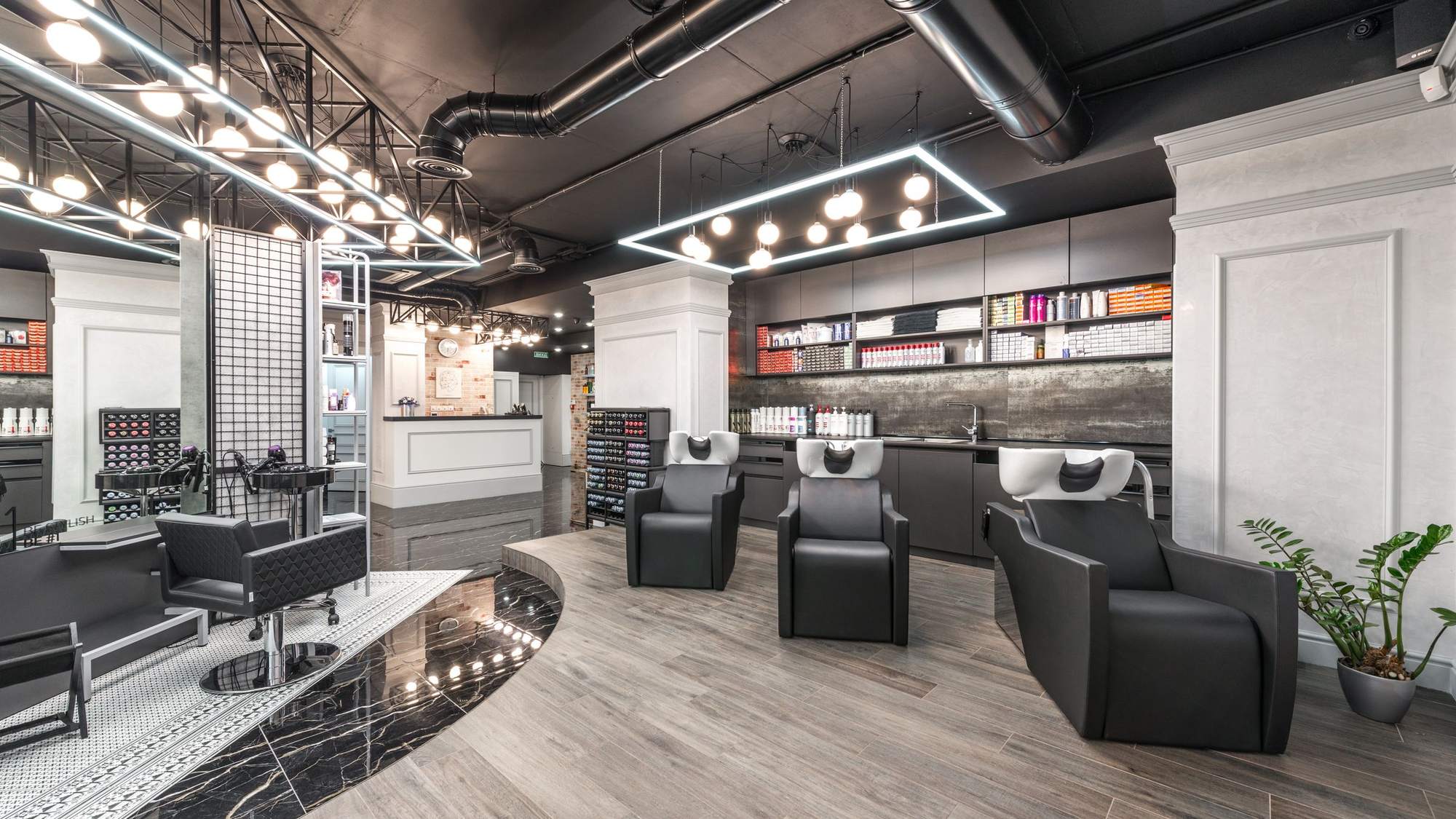
The Spa / Salon Booking Bot asks which service the visitor wants, such as hair, nails, facials, massage or waxing, and whether they have a preferred stylist or therapist. It takes the visitor's name and phone number, tells them the salon will confirm the appointment, and offers your online booking link. A massage studio may prefer the Massage / Spa Service Bot, which asks about the type of treatment.
To let clients choose a time inside the chat instead, the Appointment Scheduler template books directly from a calendar you set up in Alma.
A law office
The Law Firm Welcome Bot asks what kind of legal matter the visitor has, such as personal injury, family law, criminal defense, business law or estate planning. It then offers to schedule a consultation through your scheduling link, show the office phone number, or share more about the firm. The template includes a disclaimer that the chat does not create an attorney-client relationship; review that wording against your own policies.
For more detailed intake, the Legal Consultation Request Bot asks about the type of case and how urgent it is, and the Family Law Intake Bot is written for sensitive matters such as divorce and custody. The chat collects information and helps schedule the first consultation. It should not give legal advice, and an attorney decides whether to take the matter.
What it costs
Phone answering prices differ by provider, and so does the way they charge. Ask each provider whether it charges by the month, by the call or by the minute, and what the total would be at your current call volume.
Alma has four plans. Every plan includes all 145 templates and the website chat widget, and paying annually saves about 17%.
| Plan | Monthly | Billed annually | What it includes |
|---|---|---|---|
| Starter | $29 | $24 a month | 1 chatbot, 5,000 messages a month, email lead notifications |
| Growth | $79 | $66 a month | 5 chatbots, 25,000 messages a month, Zapier and analytics |
| Agency | $199 | $165 a month | 20 chatbots, 100,000 messages a month, webhooks and API access |
| Enterprise | Custom | Custom | Larger limits and a custom contract |
A message is one message from the bot or one reply from a visitor, and Alma's pricing page estimates that a typical qualifying conversation uses 8 to 12 messages per completed lead. As an illustration only, Starter's 5,000 messages would cover roughly 400 to 600 completed conversations in a month. If you go over, your bot keeps running, and the extra messages are billed at the end of the month at your plan's rate, which is $0.006 per message on Starter.
Every plan starts with a 14-day free trial, and no credit card is needed. Each chat window shows a small "Powered by Alma" line.
When you still need a person
An AI receptionist handles the first conversation, but some situations should always go to a member of your team.
- Phone calls. Alma works only in the chat window on your website. Someone still needs to answer your phone and return voicemails, or you need a separate phone product for that purpose.
- Emergencies. A burst pipe or a dental injury needs a person quickly. Use the chat to collect details and show your emergency number.
- Questions that need judgment. Treatment plans, legal advice, prices for custom work and complaints should go to a staff member. Write the flow so that these topics end with a clear way to reach that person.
- Follow-up. A captured lead becomes a customer only if someone calls or emails them. Decide who reads the notifications and how quickly they reply.
Common questions
Can Alma answer my business phone?
No. Alma works in the chat window on your website, and it does not answer phone calls. If most of your customers call, consider a phone answering product alongside it.
Will the chat make up answers?
By default, no. Each bot follows the flow you wrote and uses only your wording. If you add the optional paid AI answering add-on, the bot can respond to typed questions, but only from the business information you paste in.
How will I know when someone books or leaves their details?
Alma emails you on every plan, including an alert when a visitor books an appointment. Growth and higher plans can also send leads to Zapier, and Agency and higher plans can send them through webhooks.
Try it on one page of your site

Choose the template closest to your business, change the wording, and place the chat on your busiest page. Start a free 14-day trial with no credit card, and use the first two weeks to learn which questions your visitors ask most.